
Wednesday, December 17, 2025
How to Cut Documentation Time by 50% Without Sacrificing Care Quality

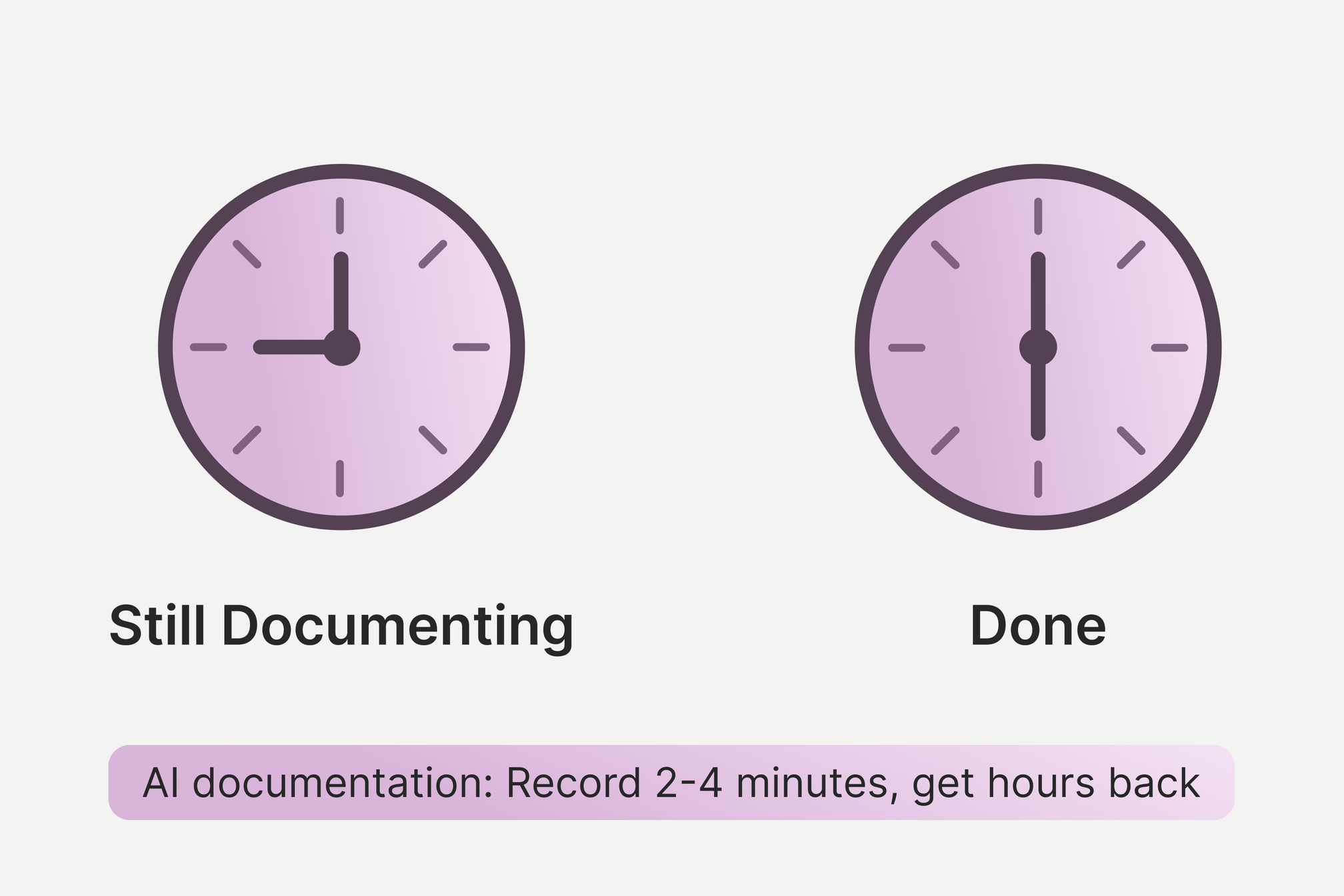
Randi Spence, a partner and clinic director of a multi-location rehabilitation practice in Texas, had two therapists leave late last year, leaving her clinic short-staffed while onboarding new graduates. Her patient load climbed. Her documentation followed her home. It’s a problem familiar to most outpatient clinic directors.
"I was still giving good quality care, that's my mentality. But I was taking all the paperwork home and using my personal time to finish it," Randi explains. She would prep before each patient, type while they talked, deliver treatment, then complete assessments after dinner.
Randi knew this reality wasn’t sustainable, so she decided to test whether AI documentation could change it. "Burnout is real," Randi says. "Having this AI scribe has been a total game changer. It’s saving me from burnout."
Now, Randi has the tools she needs to take care of her own time and better serve her patients. It just took four simple steps to get her AI scribe pilot up and running.
Key Takeaways:
- AI documentation tools can help clinicians reduce the time they spend on notes after-hours while improving the level of detail in those notes (and subsequently, patient care)
- Starting with simple, routine notes to get used to using AI tools can help build staff confidence before expanding usage to more complex documentation
- Setting clear parameters around how and when to use AI notetaking tools helps prevent cost overruns and maintain documentation quality
- Being transparent with patients about AI tools usage increases acceptance across all age groups
Sacrificing Presence for Paperwork
Randi's practice treats everyone from high school athletes to Medicare patients. When several clinicians left her practice, she absorbed the workload to protect her new graduates from overwhelm. And as insurance reimbursement rates keep shrinking, many clinics are responding by increasing patient volume.
With more patients comes more documentation. More notes. There’s a breaking point when clinicians start to carry that burden home.
Randi would arrive early to prep, have to multitask and type during patient conversations, and then still spend evenings completing assessments. Randi upheld her standard of the quality of care she gives her patients, but it came at the cost of her personal time.
When her practice organization offered a webinar on piloting AI scribes, she joined immediately. And she hasn’t looked back.
Four Steps for Incremental AI Scribe Adoption
Randi's implementation succeeded because she built confidence through a slow adoption rather than attempting full integration on day one. She established a four-step testing sequence that proved value at each stage.
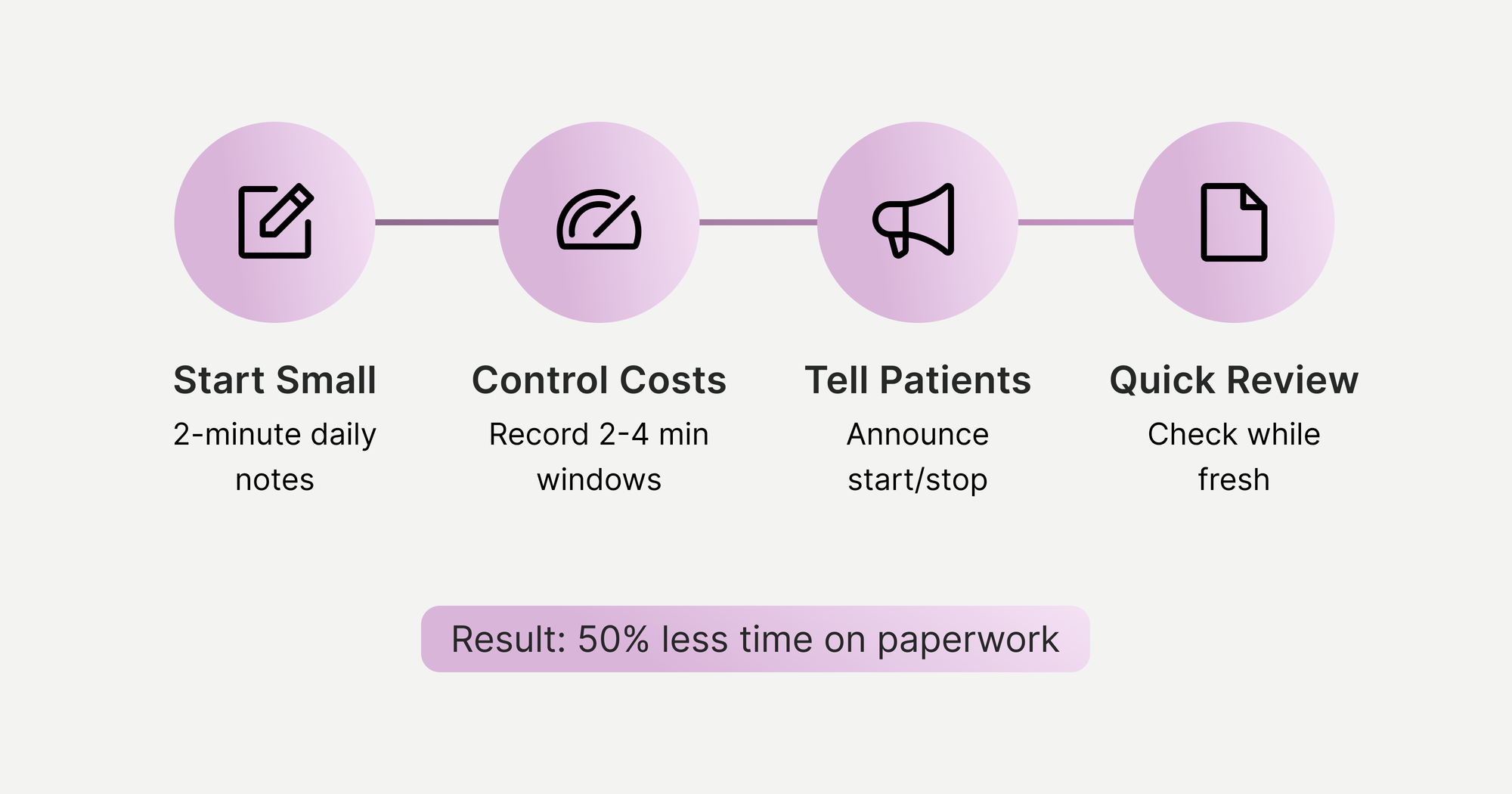
1. Start small with SOAP notes
First, Randi implemented the AI scribe with the simplest use case: 2-minute check-ins during routine follow-up visits.
"Start with maybe your daily SOAP notes, just get the subjective from the patient, and then see what kind of output you're getting," she advises.
She purchased a lapel microphone for clear audio capture. During patient visits, she would record brief conversations covering subjective symptoms and her clinical assessment. After stopping the recording, the AI would generate a draft SOAP note within her EMR system.
This initial phase served two grounding purposes: it demonstrated the technology's basic functionality without high stakes, and it gave both Randi and her patients time to adjust to having conversations recorded.
2. Carefully plan recording windows for cost-effective usage
AI documentation tools typically charge per minute of recording time. Without parameters around usage, costs can spiral as clinicians leave recordings running throughout entire appointments.
Randi established recording windows based on visit type to hone in on when the scribe needed to be used:
- Daily follow-ups: 2-4 minutes of focused conversation
- Progress notes: Capture the educational discussion and plan updates
- Evaluations: Record initial subjective intake and final assessment/plan sections, skipping the middle objective testing phase
For evaluations specifically, Randi found the AI didn't integrate well with her EMR's click-boxes for objective measures. It meant she needed to record the opening conversation, turn off recording during physical testing, then record again for her closing assessment. It was important to her to capture the patient’s symptoms and the treatment plan, but these book-ended the session.
When you’re paying per minute, hitting record for the whole day is the last thing you want to do.
3. Address the skepticism head-on
Since Randi’s practice serves diverse age groups, she worried older patients might resist her use of AI tools and that, in general, it might be difficult for her patients to accept.
But as she explained the technology's purpose upfront, she found the opposite to be true. Some patients didn’t even know about the documentation burden clinicians carry.
When Randi uses the scribe, she demonstrates clear boundaries by verbally announcing to her patients when recording starts and stops. This explicit control gives patients confidence that their conversations aren't being captured continuously or without their permission.
To help her staff adjust to the transition, she emphasized how the technology supported their clinical work rather than replacing their judgment. New graduates still needed to learn proper documentation before using AI assistance because foundational skills remain essential.
4. Continuously verify and refine output quality
AI-generated notes require clinician review. Randi built time for verification into her daily workflow, reviewing each AI-generated note for accuracy, adding objective measurements from her EMR's click-boxes, and adjusting any mischaracterized information.
"The notes sound more like me because I review them directly after talking," Randi adds. Her notes now reflect her actual clinical reasoning process rather than her late-night recollection of what happened during the appointment.
Despite requiring a human touch, review now takes a fraction of the time Randi’s previous documentation required.
From Burnout to Balance
"You're home for dinner? And you don't have your laptop out at the dinner table?" It only took two weeks of using her AI scribe for Randi’s family to start asking questions like that. Her evening routine was no longer bundled into overflow work from the day.
The quality of her documentation improved even as the time it took for her to complete it went down. The AI captured details she would have missed, particularly during physical therapy sessions when her hands were occupied with treatment.
She can focus on real-time clinical reasoning rather than trying to remember what to document later.
For her practice, she can now say: "Our PTs don't go home doing notes because we have this technology helping them out," when trying to recruit new clinicians.
Younger clinicians expect work-life balance. Practices that don't adopt these tools risk becoming invisible to incoming talent.
"There's going to be a point where if you're not using new technology, you're not using a scribe, they're just going to look right past us and go to the next one down the street."
Randi freed up time not just for personal life, but for activities that actually improve patient care: programming exercises, mentoring new graduates, and staying present during treatment sessions.
"It's giving us our time back to program, to actually be present, to mentor, to run the business," she says. “It allows us to be better clinicians.”
Frequently Asked Questions
How much does AI medical documentation software cost for small practices?
AI medical documentation software costs vary. Many tools charge per minute of recording time, with costs varying by usage volume. Small practices can control expenses by establishing clear recording guidelines. Most practices find the expense justifiable when compared to clinician overtime costs, burnout-related turnover, and lost revenue from administrative time that could be spent on patient care.
Will patients trust AI-generated medical documentation?
Patient acceptance of AI documentation depends heavily on transparent communication. Clinicians who explain the technology's purpose upfront typically receive positive responses across all age demographics. Demonstrating clear recording boundaries by verbally announcing when sessions start and stop helps patients feel in control. Many patients express relief upon learning their provider won't be distracted by computer screens during treatment sessions.
Should healthcare practices implement AI documentation for new graduate clinicians?
New clinicians should develop foundational documentation skills before relying on AI assistance. After building core skills, new graduates can benefit from AI documentation because they enter their new practice expecting technology-enabled workflows and work-life balance.